Parts Guide
Every part you can build in Cute Flexi Maker, in one place. Start with a preset, then mix heads, eyes, ears, legs, accessories and details to design the perfect flexi.
A vendor reference for showing customers what can be made.
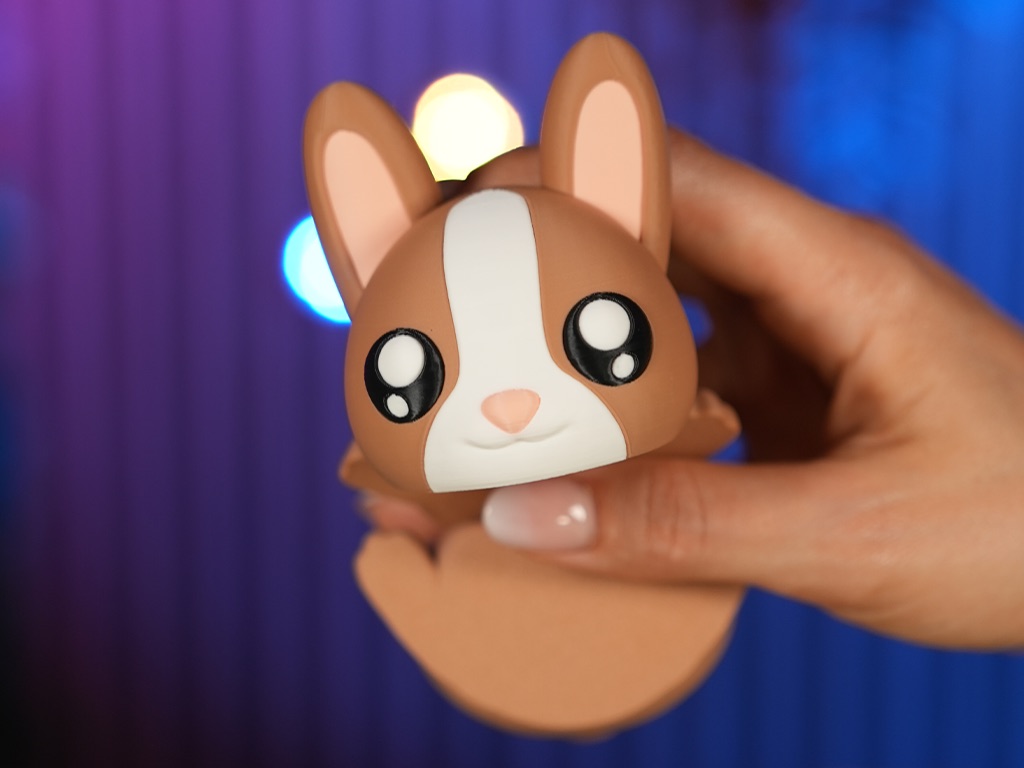
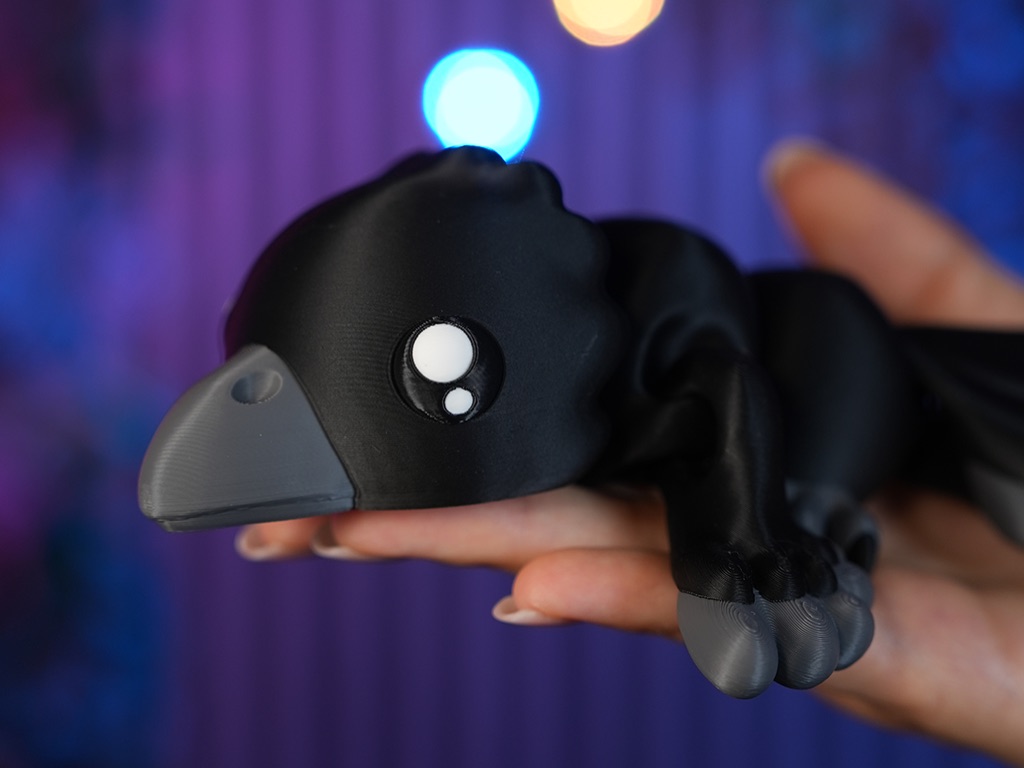
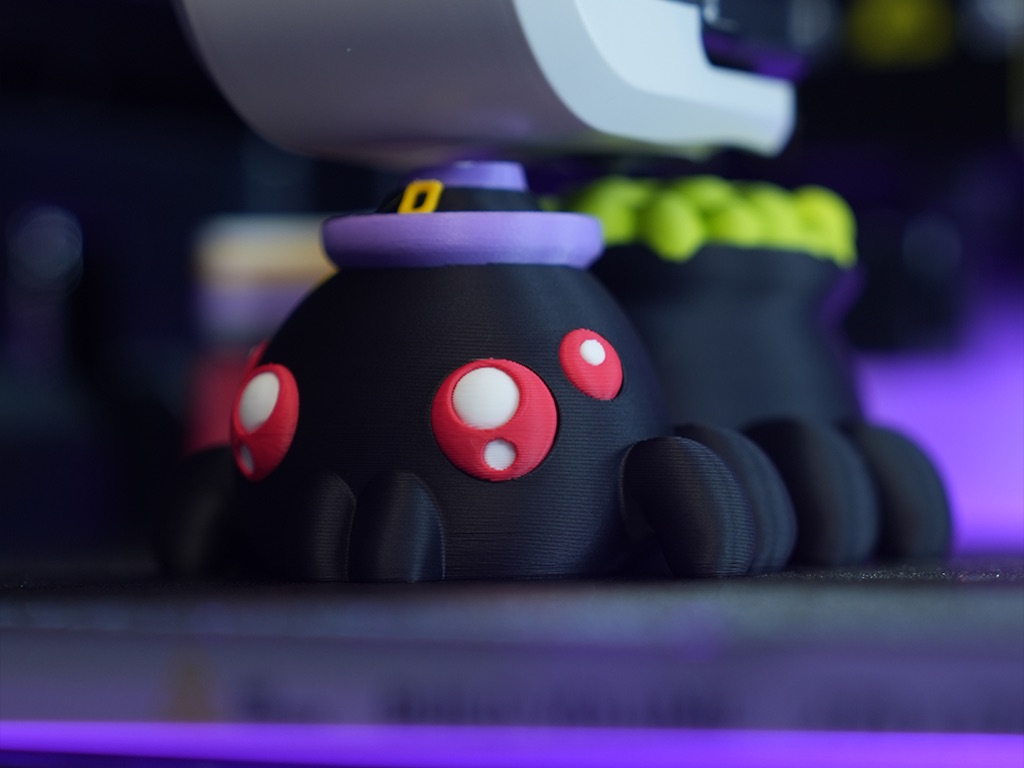
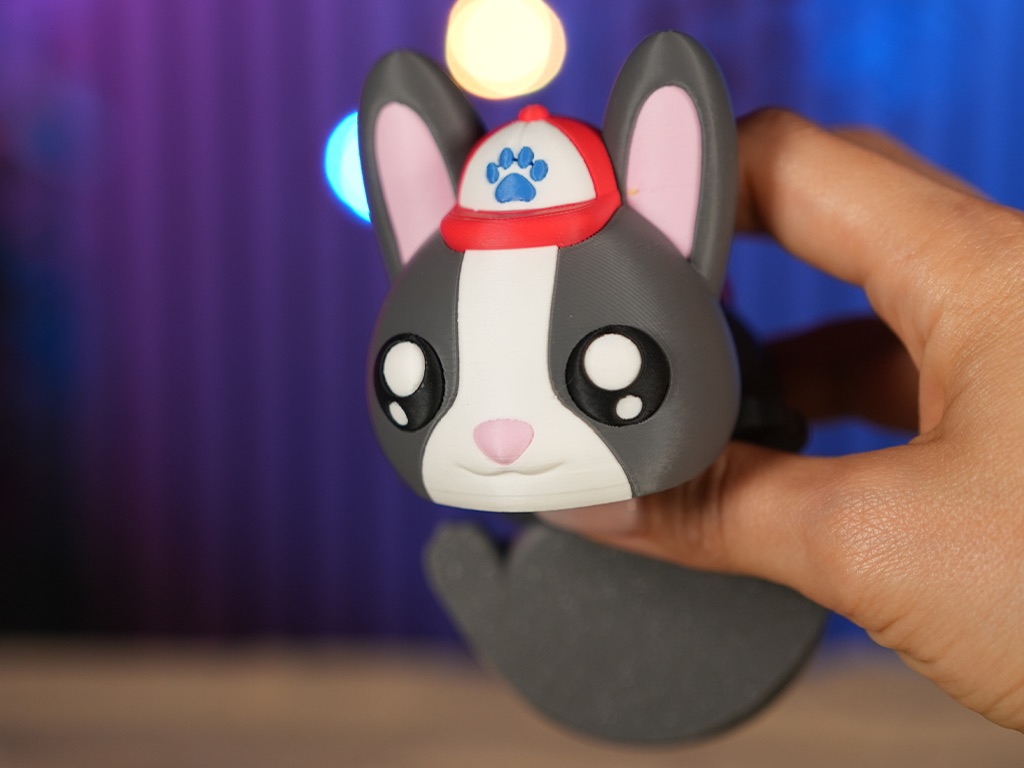
Presets
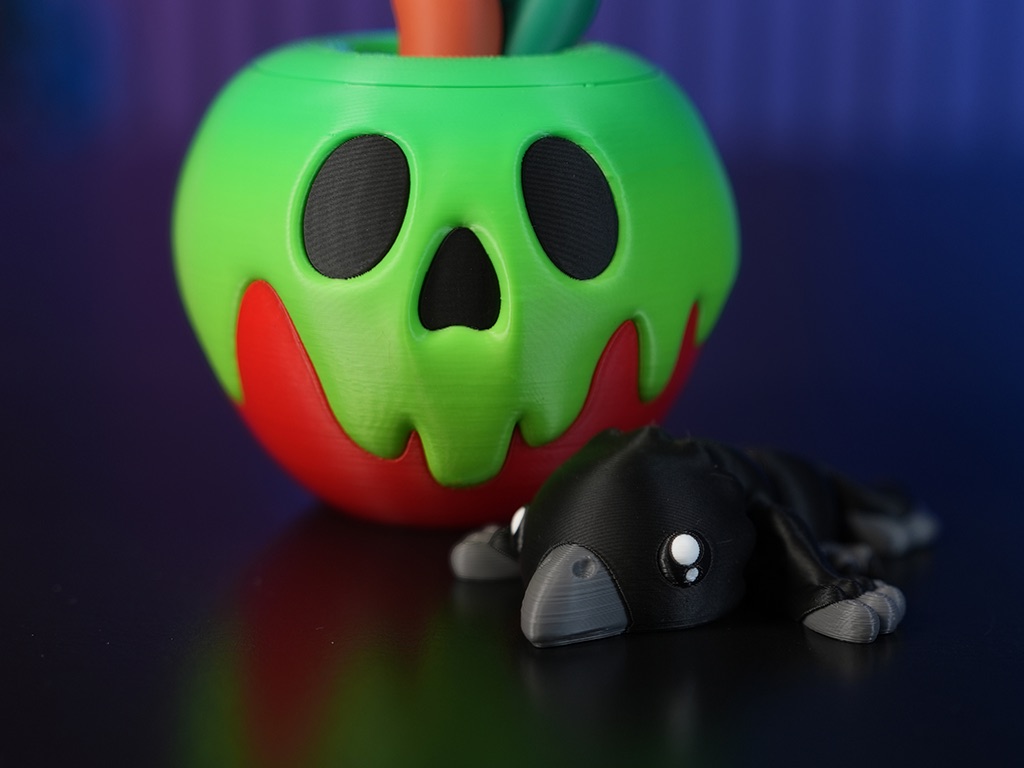
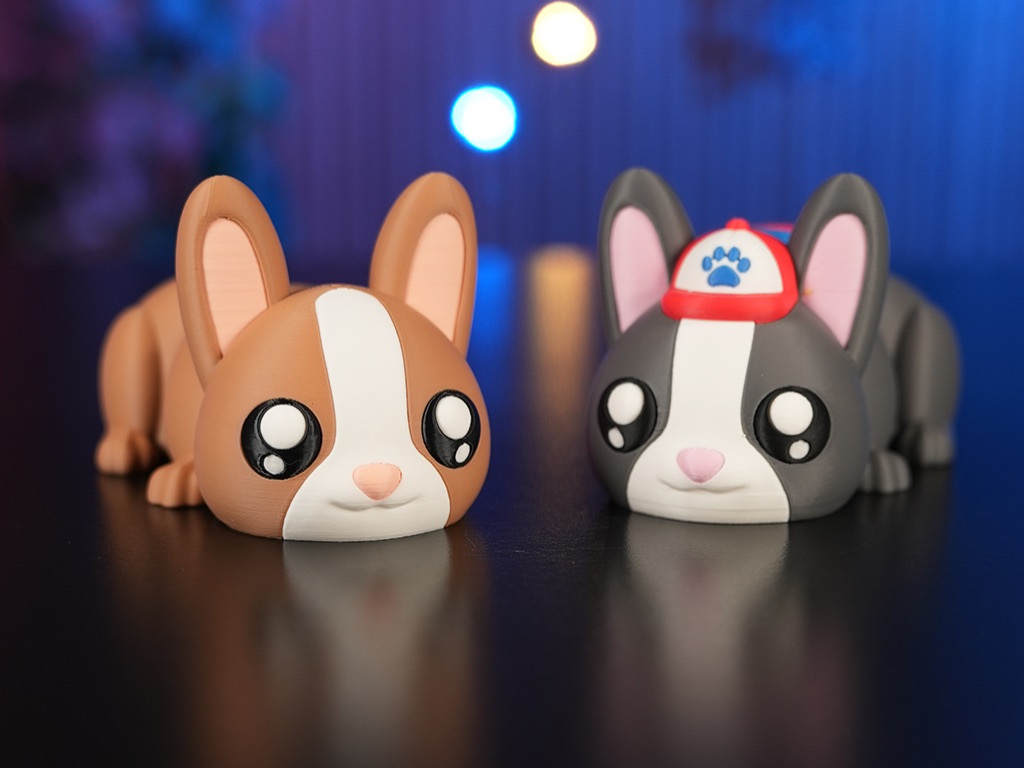
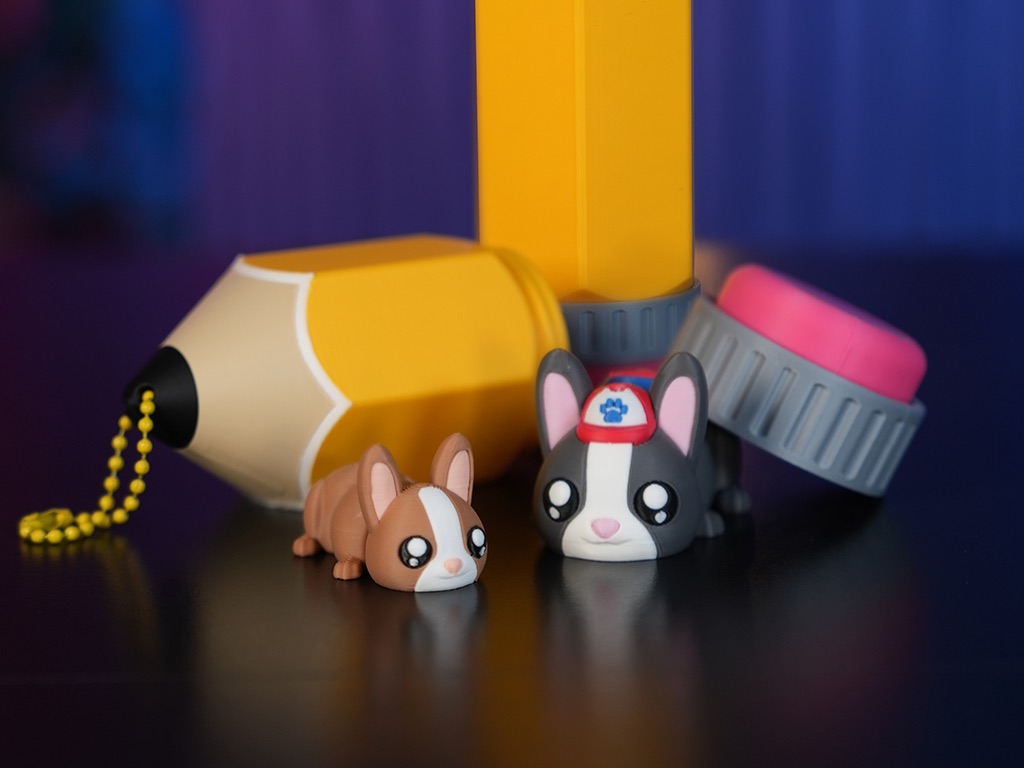
Start with one of the presets, then change any part.
Head Type
Pick a head to set the personality of your flexi.
Eyes
Add expression with one of eleven eye shapes.
Ears
Hats
Segment Type
Bottom Type
Flex Legs
Wings
Flex Tails
Legs
Legs shown where available. Legs of the same name may look different depending on the segment. Legs only available on the head segment when using the Snail head.
Tails
Top Accessories
Top accessories shown where available.
Side Accessories
Side accessories shown where available.
Details
Tiny details bring character. Multiple details can be combined on the same flexi. Spots are available on the head, body and bottom segments.
Horns
Crown your flexi with horns, antennae or a unicorn spire. Select horns can be chosen at the same time.
Icons
Icons shown on body segments.
Symbols
Symbols shown where available — letters, numbers and a few extras.
Letters
Numbers
Other
Special Char
Changing Colors
Cute Flexi Maker lets you change the color of every element so your creation looks exactly the way you want.
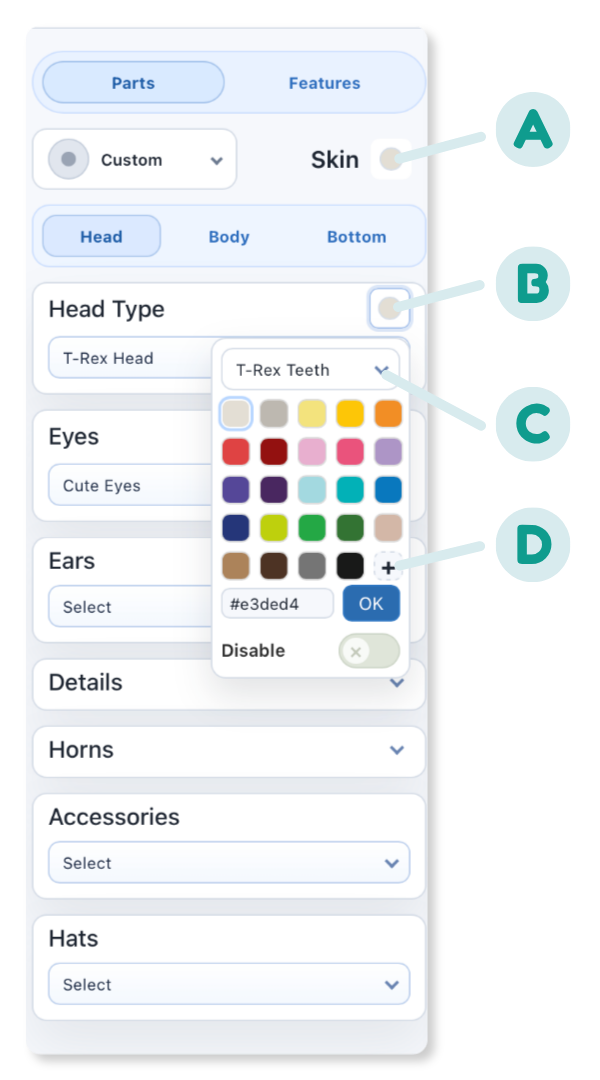
- ASkin color changes the base color for the entire flexi.
- BTo open the color menu, click the colored circle to the right of the category name.
- CFor elements with multiple components, click the drop-down arrow to view all sub-components.
- DDon’t see the perfect color? Click the plus and pick a custom color.
Disable Parts
Some elements can be turned off to remove them from the model — disable the T-Rex teeth and the print comes out with no teeth; disable the apple leaf and no leaf shows. The toggle appears under a component when you select it in the color-change menu.